
Sage Modernization Series
Dave Chappell Expert AI Engineer at Sage Tech AI provides a video series on how to use Sage to modernize your systems.
Legacy to Modern in Hours, See the Stakeholder Review
Why do 70% of legacy modernizations fail?
Because teams do not fully understand what they are changing.
Watch how Sage flips that.
In this video, we break down a stakeholder-ready modernization report generated from a 48-year-old COBOL system with 1.36 million lines of code.
You will see:
Deep system analysis that uncovers hidden business logic
Cognitive precompile and affinity-driven migration in action
Built-in safeguards to eliminate AI hallucination risk
A complete modernization stakeholder review report generated in just 2 hours
Working application code produced 1 hour later
No guesswork. No black box. Just clear, traceable modernization from start to finish.
Explore the modernization stakeholder review report. See what your legacy system is really hiding.
Can you modernize 48 years of COBOL in just 1 hour?

Can you modernize 48 years of COBOL in just 1 hour?
Watch how Sage transforms a 1.36 million line ACAS system into a fully modern, working application, fast.
In this demo, you will see:
AI-driven analysis that uncovers critical legacy business logic
Automatic generation of a stakeholder-ready modernization plan
A live payment flow rebuilt from green screens into a modern UI
Full traceability from COBOL rules to clean Python code
The result, a complete invoice payment app with containerized Python services, PostgreSQL, and a modern interface, all generated in under an hour.
Every business rule preserved. Legacy constraints removed. User experience completely reimagined.
Still skeptical? Watch the video.
Reveal the True Behavior of Your Legacy System

What if you could add new features to legacy systems, safely, in under an hour?
Watch how we introduce selective invoice exclusion, letting operators skip invoices during payment runs, using plain English requirements.
In this demo, you will see:
Natural language turned into working functionality
AI validation to ensure zero impact on existing business rules
Automatic updates to the stakeholder review for approval
A live application generated with the new capability built in
From requirement to running system in just 1 hour.
No risk. No rework. Full traceability.
See how fast you can evolve legacy systems, without breaking them.
Zero Downtime Data Migration with Messaging
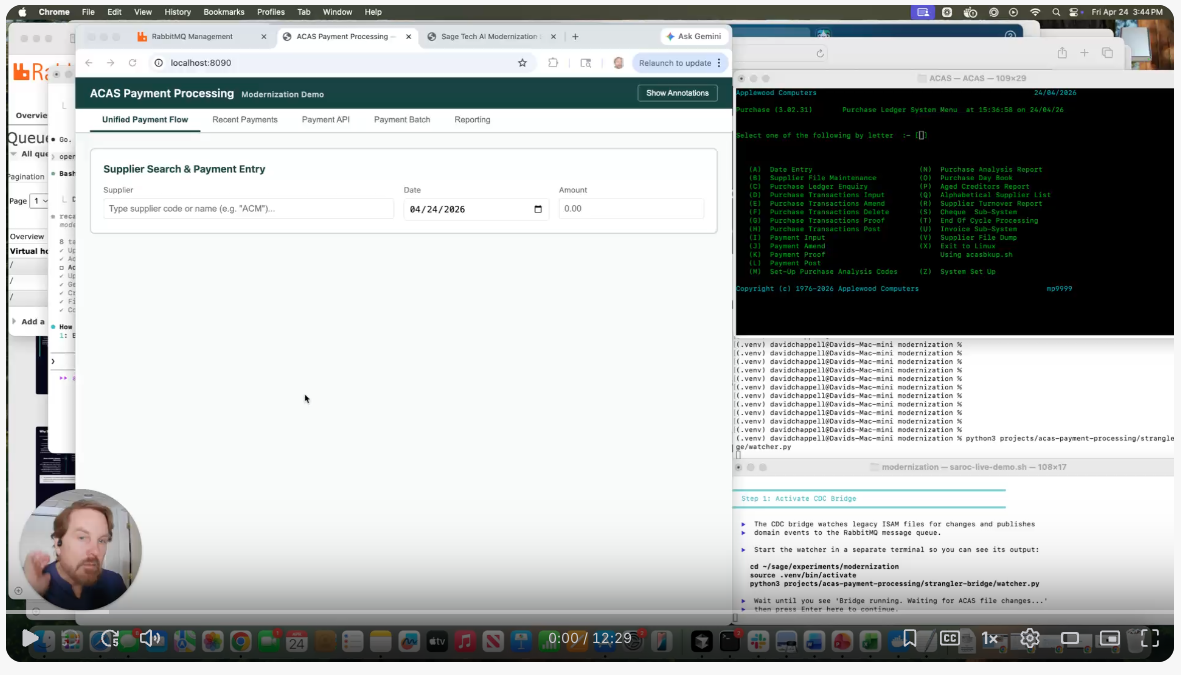
A 48-year-old COBOL system, migrated with zero downtime, and no data drift.
In this video, we move ACAS payment data into a Python microservices architecture while legacy and modern systems run in parallel.
Using CDC, ordered messaging, and a bulk snapshot, even a payment entered mid-migration is captured and applied correctly after the load.
Systems stay in sync within seconds, and cutover becomes a controlled business decision, not a risky event.